
Simulation
Shiokaze Drive
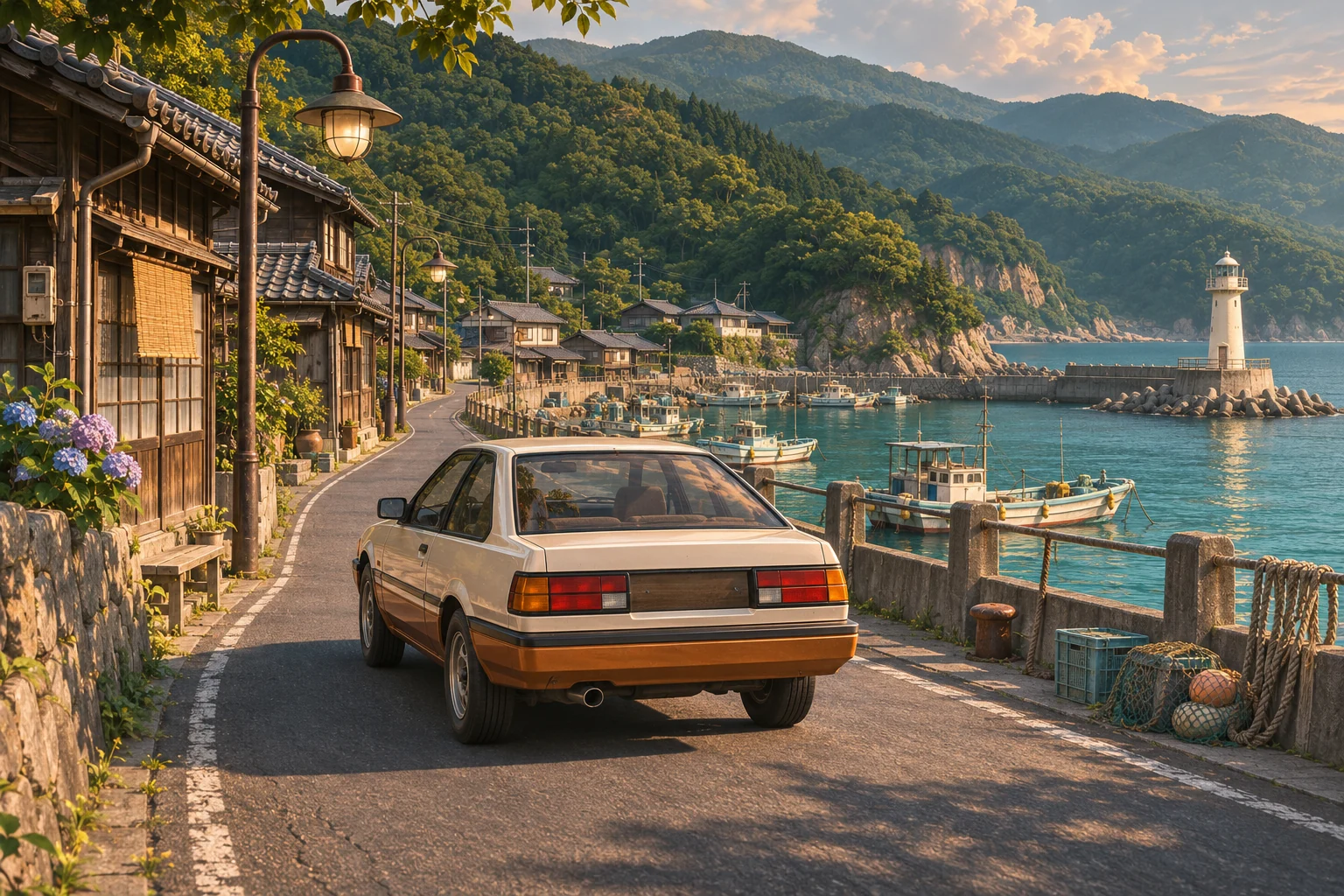
Take a scenic drive across a 10 km × 10 km 3D island. Pass cars and pedestrians in narrow coastal lanes, cross the river and follow winding hills up to cedar forests and a lighthouse on the cape.
How to play and controls
Take a free-roaming 3D drive around an island of seaside streets, rivers, and cedar forests. Discover scenery and landmarks at your own pace.
Your goal
Explore the island’s roads and find places you want to visit rather than follow a fixed race. Use the map to check your position and direction before choosing the next detour.
How to play
- Select Start driving and learn the accelerator, brakes, and steering at low speed.
- Open the map to find your position and landmarks, then follow coastal or mountain roads.
- Slow down before bends. Keep braking after the car stops to reverse.
- If you leave the road and get stuck, use Return to road and continue exploring.
Controls
- W or ↑ / S or ↓ / A-D or left-right arrows
- Accelerate, brake and reverse after stopping, and steer.
- On-screen stick and pedals
- Use the displayed driving stick. In the split layout, steer on the left and use the accelerator and brake on the right.
- C / B
- Change camera view or open and close the island map; screen buttons also work.
- R / P
- Recover to the road or pause; matching screen buttons are available.
Playing tips
- Reduce speed before a bend instead of trying to turn sharply while already inside it.
- The map’s arrow shows the car’s heading and helps you choose a direction at junctions.