
Simulation
Rocket Foundry
Design fuel allocation, staging and ignition altitude to reach space. Shed empty stages, choose engines for thin air, and improve your rocket with parts earned through flight in this 2D physics simulation.
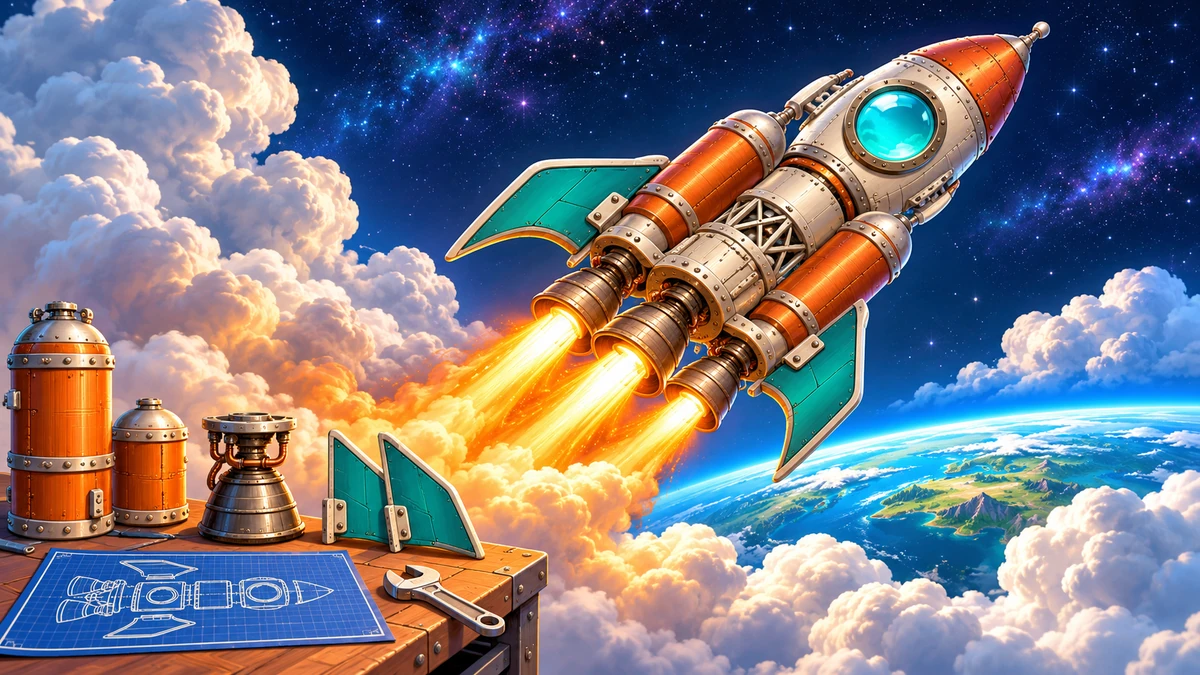
How to play and controls
Design a rocket from individual parts, launch it, and improve the next design using the flight report. Fuel, thrust, part placement and staging matter more than reflexes: the flight itself is automatic.
Your goal
Earn credits through flights, obtain more parts, complete missions and aim for the 100 km boundary of space. Use the point where your rocket stalls, tips or runs out of fuel to guide your next redesign.
How to play
- Open the workshop from home. You can launch the supplied sample first to learn how to read flight results.
- Place owned parts from the list and move or rotate them into a craft. Buy unowned parts in the shop.
- Check the center of mass and thrust direction before launching. For a multistage craft, add separation rings and set upper-stage ignition altitude.
- Watch the automatic flight, then inspect altitude and rewards in the report. Change parts or layout and try again.
Controls
- Select and drag parts with mouse or touch
- Place and move components. You can also select a part, then tap the grid.
- R / Delete / arrow keys
- On PC, rotate the selected part 90 degrees, remove it, or move it in 0.5 m steps.
- On-screen rotate, move, remove and zoom buttons
- Edit the design using buttons; fins can also be mirrored.
- Launch button / flight display controls
- Launch the completed design. There is no steering or throttle control after liftoff.
Playing tips
- Extra fuel adds extra mass. Check liftoff thrust and balance instead of only adding tanks.
- A mismatch between center of mass and thrust direction makes stability harder. Compare both sides and change one design feature at a time to understand the result.